
AI Prompts for Summarizing PDFs – Complete Guide (2026)
🚀 Summarize PDFs instantly with SmartPDFNow's AI tools! Free, no sign-up, unlimited use.
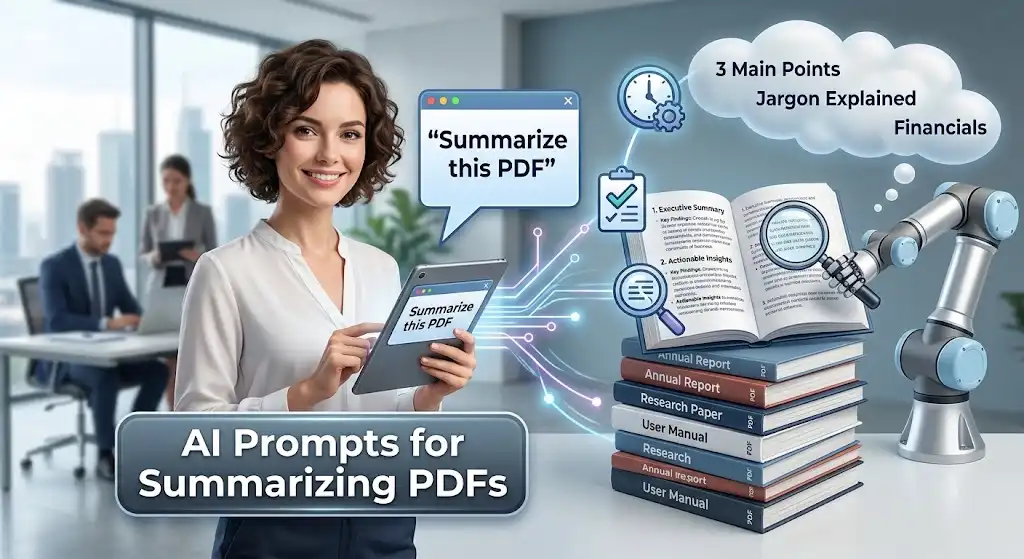
We live in an age of information overload. Long PDFs—reports, research papers, contracts, ebooks, and manuals—pile up faster than we can read them. Manually summarizing a 100-page document takes hours, and you might miss key points. That's where AI comes in. With the right AI prompts for summarizing PDFs, you can extract concise, accurate summaries in seconds. Whether you're a student reviewing literature, a professional analyzing reports, or just someone trying to understand a long document, these prompts will save you time and mental energy. In this guide, we'll share proven prompt templates that turn AI tools like ChatGPT, Claude, and Gemini into your personal PDF summarization assistant.
Why Use AI to Summarize PDFs?
AI summarization has become remarkably sophisticated. Here's why it's a game-changer:
- Speed: AI reads and summarizes a 50-page PDF in under a minute.
- Accuracy: Modern LLMs can identify main arguments, key data, and conclusions with high reliability.
- Consistency: Apply the same summarization approach across multiple documents for uniform output.
- Multilingual support: Summarize PDFs in different languages, or translate summaries.
- Customization: Request summaries at different lengths, for specific audiences, or focusing on particular sections.
- Accessibility: Create easy-to-digest summaries for people who don't have time to read the full text.
The key to getting good summaries is writing clear, specific prompts. Vague prompts produce vague summaries.
What Makes a Good PDF Summary Prompt?
Before we list the prompts, here are the principles of effective summarization prompts:
- Specify the desired length: "In 3 sentences" or "In 200 words" or "In 5 bullet points."
- Identify the audience: "For executives" vs "For beginners" produces different levels of detail.
- Highlight focus areas: "Focus on key findings and recommendations" or "Ignore background information."
- Request structure: "Use headings and bullet points" or "Write in paragraph form."
- Ask for citations or page numbers when you need to verify.
- Include the document's context if it's not obvious from the text.
10 AI Prompts for Summarizing PDFs
1. Executive Summary
Condense a long PDF into a short executive summary.
2. Bullet Point Key Points
Extract the most important points as a list.
3. Section-by-Section Summary
Break down the document into its main sections.
4. Simplified Explanation for Beginners
Make complex content understandable for a general audience.
5. Focus on Findings and Recommendations
Extract actionable insights from reports or studies.
6. Summary with Citations and Page Numbers
Useful for academic or legal documents where you need to verify.
7. Create a Table of Summary
Compare multiple documents or sections using a table.
8. Compare and Contrast Two Documents
When you need to analyze differences between two PDFs.
9. Generate Questions Based on the PDF
For study or discussion. Useful for teachers and students.
10. Multi-Lingual Summary
Get a summary in a different language.
How to Use These Prompts with Your PDF
Follow these steps to get the best results:
- Choose an AI tool that can read PDFs. ChatGPT (Plus or Enterprise), Claude, Google Gemini, or SmartPDFNow's AI PDF tools all support document upload.
- Upload your PDF. Most tools have an upload icon or allow drag-and-drop.
- Paste one of the prompts above in the chat box, adjusting the specifics as needed.
- Review the summary. Check for accuracy, especially if you need to cite or act on the information.
- Refine the prompt if the summary isn't quite right. You can ask "Can you make it shorter?" or "Focus more on the data."
Real-World Example: A Researcher Saves Days of Reading
Dr. Sharma, a medical researcher, needed to review 30 clinical trial papers for a systematic review. Each paper was 30-50 pages long. Reading them all would have taken weeks. Instead, he uploaded each PDF to an AI tool and used the "Focus on Findings and Recommendations" prompt. The AI extracted the key outcomes, limitations, and recommendations in a consistent format. Dr. Sharma then compiled the summaries into a table for his analysis. He completed the initial review in two days instead of two weeks. His verdict: "AI summarization is not a shortcut that compromises quality—it's a necessary tool for modern research."
Expert Tips for Better PDF Summaries with AI
- Break long documents into sections. If the PDF is over 50 pages, summarize each chapter separately for better accuracy.
- Specify the output format. Bullet points are often more useful than paragraphs for quick scanning.
- Ask for a "layered summary" – first a one-sentence summary, then a paragraph, then detailed bullet points.
- Use follow-up questions. After the initial summary, ask "What were the limitations mentioned?" or "Which recommendation is most feasible?"
- Always verify critical numbers and facts against the original document, especially for legal or financial documents.
- If the tool supports it, save your prompts as templates for consistent results across multiple PDFs.
Frequently Asked Questions
Can AI summarize scanned PDFs with images?
Yes, if the AI tool includes OCR (Optical Character Recognition). Many modern AI PDF summarizers, including SmartPDFNow, can read scanned documents and images. Accuracy depends on the scan quality.
Is AI summarization accurate enough for professional use?
AI summaries are highly accurate for identifying main ideas and key points. However, for critical decisions, always verify specific facts, figures, and interpretations against the original document. AI can occasionally misinterpret context or omit nuances.
Which AI tool is best for summarizing PDFs?
ChatGPT (GPT-4), Claude, and Google Gemini all excel at PDF summarization. For a free, no-sign-up option that includes PDF chat and summarization, SmartPDFNow is an excellent choice. The best tool depends on your specific needs and budget.
Can AI summarize a PDF in a different language?
Yes, most AI tools support multilingual summarization. You can ask the AI to summarize a PDF in a specific language, even if the original is in another language. This is useful for international teams or research.
Is it safe to upload sensitive PDFs to AI summarizers?
Reputable tools encrypt files during transfer and delete them after processing. For extremely sensitive documents, use offline or self-hosted AI solutions, or read the tool's privacy policy carefully before uploading.
Conclusion: Turn PDFs into Actionable Insights with AI Prompts
AI has made PDF summarization faster and more accessible than ever. By using the 10 prompts in this guide, you can transform lengthy, dense documents into clear, concise summaries that save you hours. Whether you're a student, researcher, professional, or just someone drowning in PDFs, these prompts are your secret weapon. Try them today—and start reading less while understanding more.
Ready to Summarize Your PDFs with AI?
Use SmartPDFNow's free AI tools — instant summaries, no sign-up.
Try AI PDF Summarizer Now
Discussion (0)
No comments yet. Be the first to share your thoughts!