

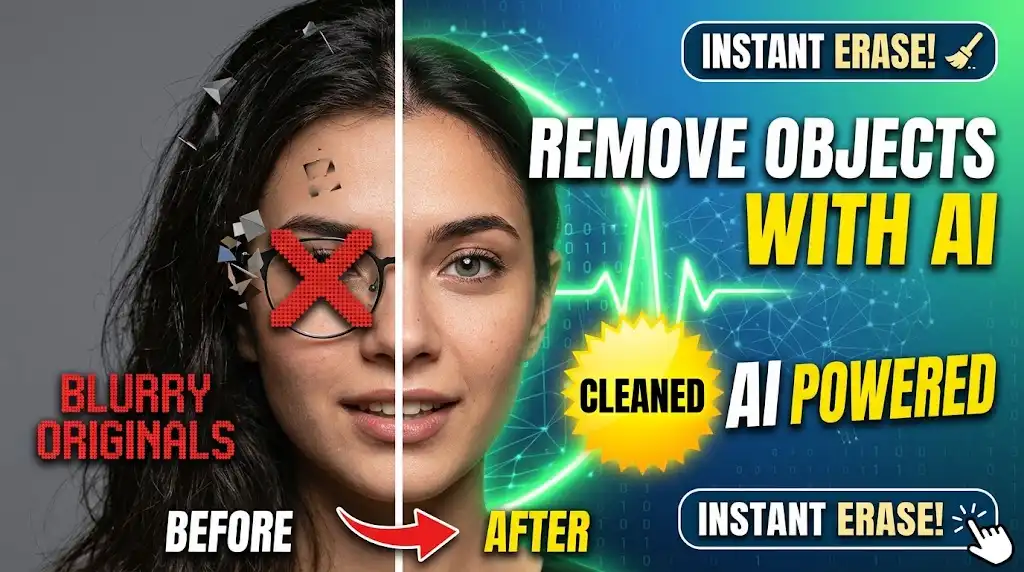
How to Remove Objects From Photos With AI – Complete Guide (2026)
🚀 Remove unwanted objects from photos for free with SmartPDFNow! No sign-up, instant results.
You take a perfect photo—great lighting, beautiful background, and then you notice a photobomber, a trash can, or an unsightly power line ruining the shot. In the past, removing such objects required complex photo editing skills and expensive software like Photoshop. Not anymore. AI object removal tools can now erase unwanted elements from photos in seconds, with just a few clicks and no technical knowledge. In this guide, we'll walk you through how to remove objects from photos with AI, the best free tools available, and step-by-step instructions. Say goodbye to photo clutter and hello to picture-perfect images.
Why Remove Objects from Photos?
There are many legitimate reasons to remove objects from photos:
- Photobombers: A stranger walked into your shot; erase them easily.
- Clutter: Trash cans, signs, wires, or distracting background elements.
- Watermarks or text: Remove logos or text overlays from images (with proper rights).
- Blemishes: Small spots, dust, or scratches on scanned photos.
- Privacy: Remove faces or identifying details before sharing.
- Composition improvement: Simplify a busy scene to focus on the main subject.
AI makes this process effortless, often producing results that are nearly indistinguishable from the original clean scene.
How AI Object Removal Works
AI object removal tools use advanced machine learning models, particularly inpainting algorithms. Here's what happens behind the scenes:
- User selects the object: You mark the area to remove (brush, rectangle, or automatic detection).
- AI analyzes surroundings: The model examines the surrounding pixels, textures, lighting, and context.
- Content generation: The AI fills the selected area with plausible content that matches the background—like grass, sky, or wall texture.
- Blending: The generated content is seamlessly blended with the rest of the image to avoid obvious seams or artifacts.
Modern tools are so good that even large objects like cars or people can be removed cleanly, leaving no trace.
What to Look for in an AI Object Remover
When choosing a tool, consider these features:
- Ease of use: Simple brush or selection tool—no complex masking.
- Output quality: Natural-looking results without smudges or repeated patterns.
- Speed: Processing should take seconds, not minutes.
- Free vs paid: Many tools offer free tiers or are completely free.
- Privacy: Are images encrypted and deleted after processing?
- Batch processing: Can you remove objects from multiple photos at once?
SmartPDFNow's AI object remover excels in all these areas. It's completely free, no sign-up, and delivers high-quality results.
Step-by-Step: How to Remove Objects from Photos with AI
Follow these simple steps using SmartPDFNow's free tool:
Go to smartpdfnow.com/remove-object-from-photo in any web browser.
Drag and drop your image (JPG, PNG, WebP, etc.) into the upload area, or click to browse from your device. The tool accepts images up to 100 MB.
Use the brush or selection tool to paint over the object you want to erase. You can adjust the brush size for precision. For large objects, use a bigger brush; for small spots, zoom in and use a fine brush.
The AI processes the image. In a few seconds, the selected object disappears, replaced with a natural-looking background. The tool may automatically blend edges for a seamless result.
Save the edited image to your device. Zoom in to verify that the removal looks natural and no artifacts remain. If there are minor blemishes, repeat the process on the small area.
Remove Objects from Your Photos for Free Now
Use SmartPDFNow — unlimited, no sign-up, no watermarks.
Remove Object NowReal-Life Example: Cleaning a Vacation Photo
Daniel took a beautiful sunset photo on a beach in Bali, but a large tour group walked into the frame, cluttering the image. He uploaded the photo to SmartPDFNow, selected the group with the brush tool, and clicked remove. Within seconds, the tourists vanished, leaving only the pristine beach and sunset. The AI perfectly reconstructed the sand and waves. Daniel posted the edited photo on Instagram, and it became one of his most-liked posts. "I couldn't tell where the people had been," he said. "It was like magic."
Expert Tips for Perfect Object Removal
- Select a little beyond the object. Include a small margin around the object for better blending.
- Work in small sections for large objects. Instead of selecting a huge area at once, remove it piece by piece for more natural results.
- Use high-resolution images. The more detail the AI has to work with, the better the output.
- Avoid complex backgrounds. Removing objects from busy patterns (like dense foliage or crowds) is harder; results may be less clean.
- Preview before downloading. If the result looks off, undo and try a different selection.
Frequently Asked Questions
Can AI remove people from photos?
Yes. AI object removal tools are excellent at removing people, including photobombers, strangers, or even entire crowds. The AI fills the background naturally, though results are best when the background is relatively simple.
Is AI object removal free?
Many tools offer free object removal. SmartPDFNow provides completely free, unlimited removal with no sign-up and no watermarks. Some advanced tools may charge for high-resolution outputs or batch processing.
Can AI remove watermarks from photos?
Technically, yes, but removing watermarks from images you don't own is unethical and often illegal. Use this feature only on your own images or where you have explicit permission.
How accurate is AI object removal?
For simple backgrounds (sky, grass, walls, sand), accuracy is very high—often indistinguishable from a clean original. For complex backgrounds with many details, results may have minor imperfections that require a second pass.
Can I remove objects from photos on my phone?
Yes. Most online AI object removers work in mobile browsers. SmartPDFNow is fully responsive, so you can upload, edit, and download from your iPhone or Android device.
Conclusion: Clean Up Your Photos in Seconds
Removing unwanted objects from photos no longer requires expensive software or professional skills. With AI-powered tools like SmartPDFNow's free object remover, you can erase photobombers, clutter, and distractions in seconds. The results are natural, the process is simple, and the cost is zero. Try it today and turn your imperfect shots into frame-worthy memories.
Ready to Remove Unwanted Objects?
Use SmartPDFNow's AI tool — free, unlimited, no sign-up.
Remove Objects Now
Discussion (0)
No comments yet. Be the first to share your thoughts!