

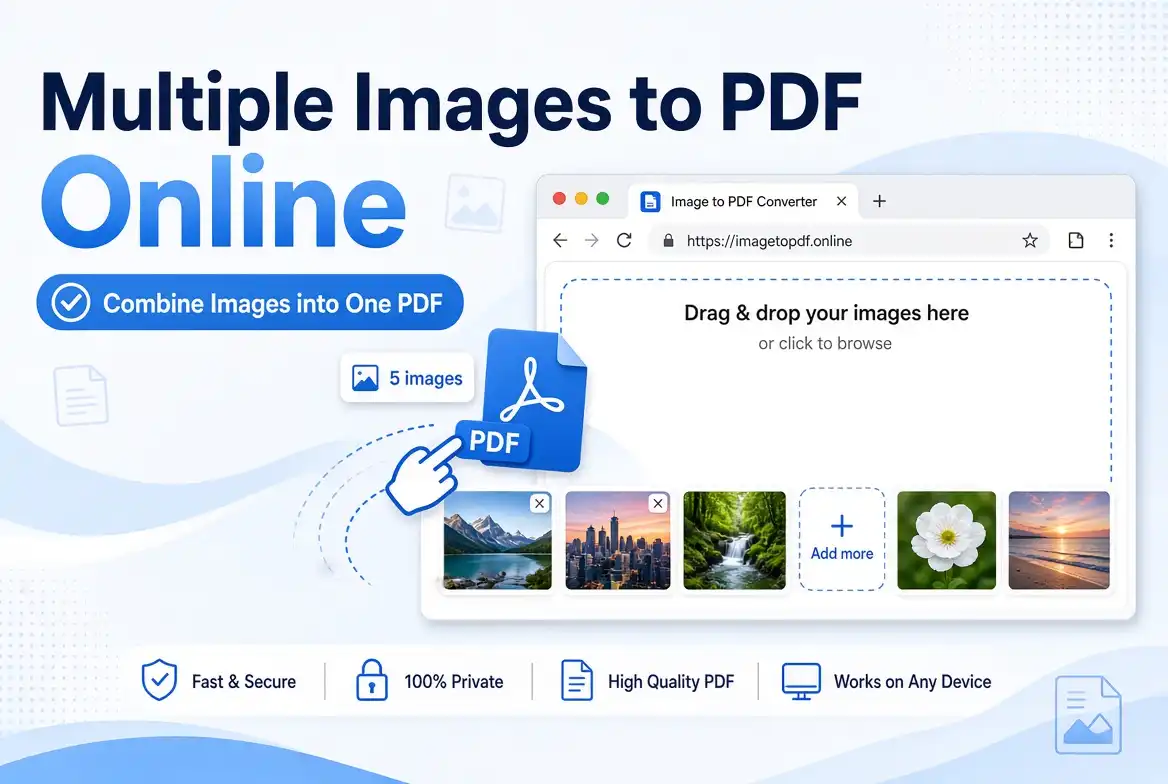
Convert Multiple Images to PDF Online Free – Combine JPG, PNG to One PDF
🚀 Combine multiple images into one PDF for free with SmartPDFNow! No sign-up, no watermarks, unlimited use.
Need to turn a stack of photos, scans, or screenshots into a single PDF? Whether you're compiling receipts, creating a portfolio, scanning a multi-page document, or sending a batch of images for a project, converting multiple images to PDF is a daily task for many people. The problem? Most tools force you to add images one by one, or they add watermarks and require sign-ups. In this guide, you'll learn how to combine multiple JPG, PNG, WebP, and other image formats into one professional PDF using SmartPDFNow's free online image-to-PDF converter. It's fast, unlimited, and secure. Let's dive in.
Why Combine Multiple Images into One PDF?
A single PDF containing all your images is easier to manage, share, and print than dozens of separate files. Common use cases include:
- Scanned documents: Combine pages of a contract, invoice, or report into one file.
- Receipts and expenses: Merge multiple receipts into a single PDF for bookkeeping or reimbursement.
- Portfolios: Create a polished PDF portfolio from your design work or photography.
- Presentations: Combine slides or graphics into a single hand-out.
- Archiving: Store multiple photos as a compact PDF for long-term records.
- Email attachments: Send one PDF instead of a dozen image files.
Whatever the reason, a reliable image-to-PDF converter is an essential tool in your digital toolkit.
What to Look for in an Image-to-PDF Converter
Not all converters are created equal. Here are the features that matter most:
- Multiple image support: JPG, PNG, WebP, BMP, TIFF, and sometimes HEIC.
- Batch upload: Add many images at once, not one at a time.
- Page order control: Drag and drop to rearrange images before conversion.
- Page size and orientation: Options like A4, Letter, Fit to image, portrait/landscape.
- No watermarks: The output should be clean and professional.
- No sign-up required: Avoid tools that force account creation.
- Unlimited use: No daily caps or file size limits.
- Privacy: Files should be encrypted and deleted after processing.
- Speed: Conversion should be fast, even for many images.
SmartPDFNow's Image to PDF ticks all these boxes. It's completely free and unlimited.
Step-by-Step: Convert Multiple Images to PDF Online
Follow these simple steps to combine your images into one PDF:
Go to smartpdfnow.com/image-to-pdf in any web browser. No installation required.
Click the upload button or drag and drop all your images into the designated area. You can select multiple JPG, PNG, WebP, BMP, or TIFF files at once. The tool supports batch uploads.
After uploading, you'll see thumbnails of all images. Drag them into the desired order. The first image will appear on the first page of the PDF, and so on. You can also rotate individual images if needed.
Choose the output page size: Fit to image (keeps original dimensions), A4, Letter, or a custom size. Select portrait or landscape orientation. For most photos, "Fit to image" works best.
The tool merges all images into a single PDF. This usually takes just a few seconds, even for dozens of images.
Save the combined PDF to your device. Open it to verify the order, orientation, and quality. Your multi-image PDF is ready to share, print, or archive.
Convert Multiple Images to PDF for Free Now
Use SmartPDFNow — unlimited, no sign-up, no watermarks.
Combine Images to PDFReal-Life Example: A Small Business Owner Organizes Receipts
Fatima runs a small boutique in Rabat. Every month, she collects dozens of paper receipts from suppliers and needs to submit them to her accountant. Previously, she took individual photos and emailed them separately, which was time-consuming and messy. After discovering SmartPDFNow, she now scans or photographs all receipts, uploads the images to the Image-to-PDF tool, arranges them by date, and downloads a single, organized PDF. Her accountant receives one clean file instead of 30 photos. "This saved me at least an hour a month," Fatima said. "And the PDF looks so professional."
Tips for High-Quality Image-to-PDF Conversion
- Use high-resolution images. The PDF quality depends on the source. Avoid blurry or pixelated photos.
- Choose "Fit to image" for exact dimensions. This prevents cropping or stretching. If you need a standard page size, select A4 or Letter and adjust orientation.
- Arrange images logically. Put them in the order you want them to appear; use drag-and-drop.
- Batch convert when possible. Upload all images at once to save time.
- Compress the PDF if it's too large. Use SmartPDFNow's compression tool afterward if you need a smaller file for email.
- Check the final PDF. Open it and flip through pages to ensure nothing is missing or rotated incorrectly.
Frequently Asked Questions
Can I combine multiple JPG images into one PDF for free?
Yes. SmartPDFNow allows you to upload multiple JPGs and combine them into a single PDF at no cost. No sign-up, no watermarks, and unlimited use.
What image formats does the converter support?
SmartPDFNow supports JPG, JPEG, PNG, WebP, BMP, and TIFF. You can mix and match different formats in the same PDF.
Will converting images to PDF reduce their quality?
No. SmartPDFNow preserves the original resolution of your images. If you choose "Fit to image," the PDF page matches the image dimensions exactly, so there is no quality loss.
Can I arrange the order of images before converting?
Yes. After uploading, you can drag and drop the thumbnails to reorder them. The first image becomes page 1, the second page 2, and so on. You can also rotate images.
Is SmartPDFNow safe for sensitive images?
Absolutely. Files are encrypted during transfer and automatically deleted after processing. SmartPDFNow never stores or shares your images. Your privacy is protected.
Conclusion: Turn Multiple Images into a Single PDF in Seconds
Combining multiple images into a PDF doesn't have to be a chore. With SmartPDFNow's free online image-to-PDF converter, you can merge JPGs, PNGs, and other formats into one professional document in seconds. No watermarks, no sign-up, and unlimited use. Whether you're organizing receipts, building a portfolio, or archiving scans, this tool makes the process fast and painless. Try it now and simplify your document workflow.
Ready to Combine Your Images into a PDF?
Visit SmartPDFNow — unlimited, no sign-up, no watermarks.
Convert Images to PDF Now
Discussion (0)
No comments yet. Be the first to share your thoughts!